
I'm sure your first question is: why? Why would you want this?
Believe it or not, there are still some uses for floppy drives, and you can still find NOS (new old stock) floppy disks floating around. Intially I started on this project so I could make a boot floppy for an old Windows 98 laptop I have floating around, but it's nice to have the ability to read from old floppy disks if any fall into my paws. Note that I'm talking about 3.5" floppy disks here (the ones that are hard plastic, but still contain a floppy disk center).
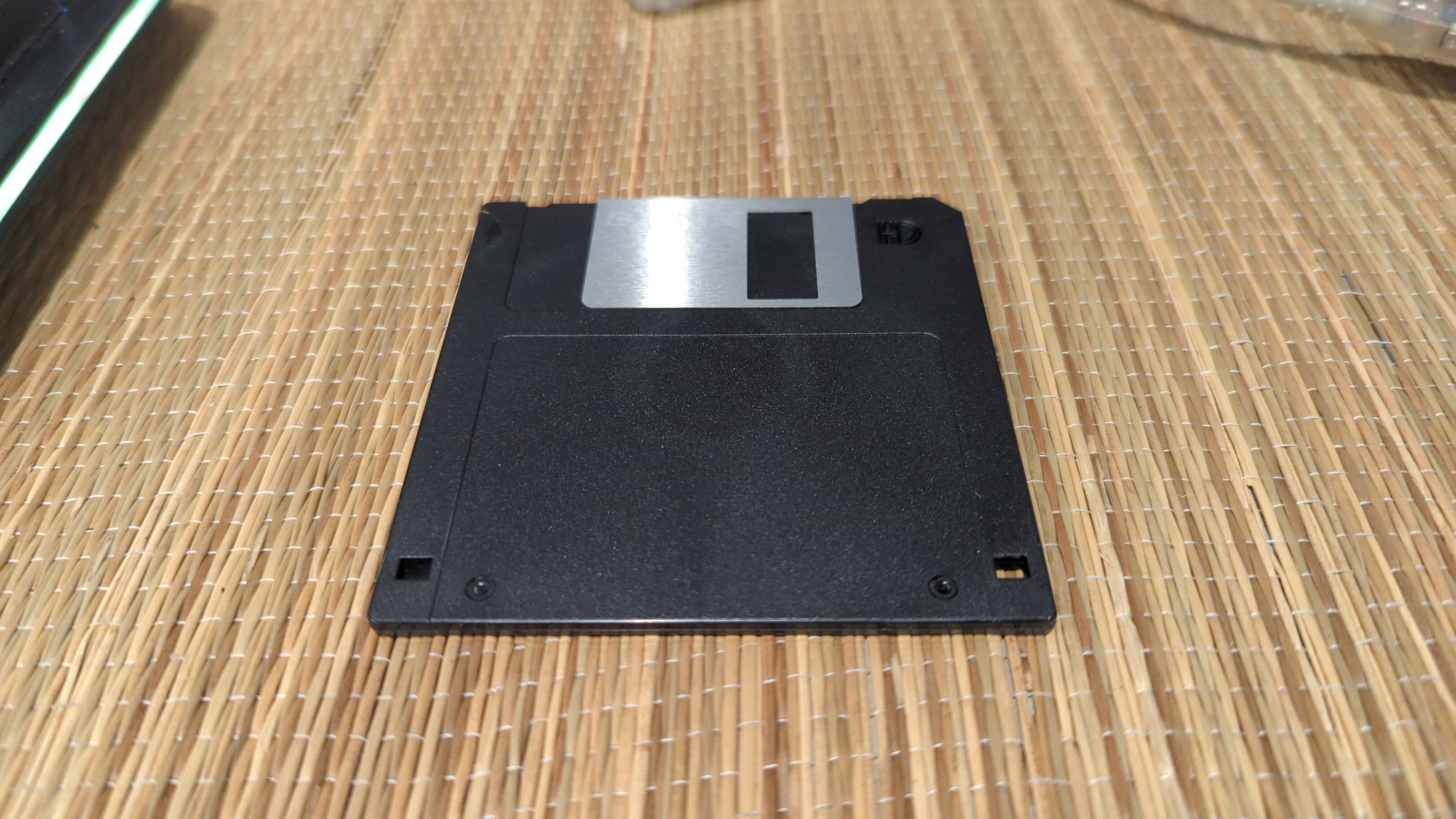
You know, these disks. You've seen them before (and if you haven't you've seen the actual disk, you've seen save icons, even if you thought it was supposed to be a vending machine). For those not in the know, before flash media (eg, SD cards, USB drives) or burnable CDs/DVDs, these disks were how you moved data around, 1.44MB at a time.
Of course, to read these disks on a modern machine, you need a floppy drive. Fortunately, there was a reasonable overlap between the introduction of the USB standard and the end of folks using 3.5" floppies as a common storage medium, so used USB floppy drives are still available. I grabbed this TDK FD-100A off eBay for $12 (although it didn't come with any of the cool colored translucent shells, sadly).
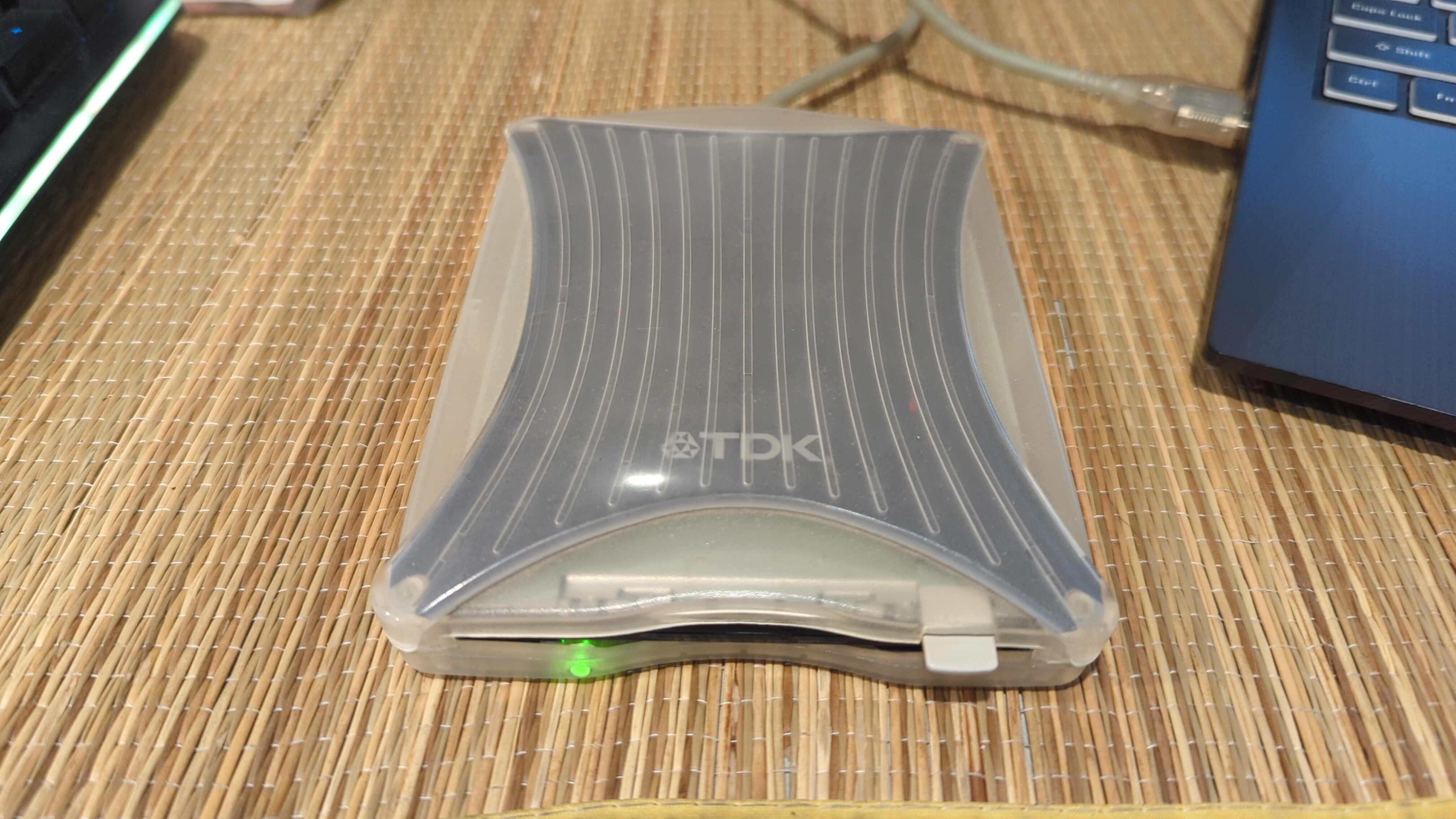
The good news is that Linux Mint (my preferred daily driver) recognized the drive right away. Yes, drivers for old USB floppy drives are still included, at least as of Mint 22.1!
However, I needed some additional software to make this work. First, I installed ufiformat, a tool to handle low-level disk formatting on USB floppy devices. Basically, this sets up the floppy disk so a USB floppy drive can recognize it, based on some arcane specifications pertaining to physical disk media (cylinders, heads, and sectors). Once installed, a simple "ufiformat /dev/sdX" as root gets the disk in a ready state (where sdX is the drive assignment set by your Linux OS).
But we're not ready yet! Next, I needed to build a filesystem on the disk. For simplicity, I used "mke2fs /dev/sdX" as root to set up a Linux-friendly filesystem, but you could also use "mkdosfs -F 12 -v /dev/sdX" as root to set up a MS-DOS disk (ie, if you needed to make a boot disk for an older laptop).
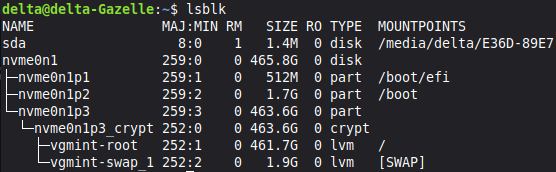
Mint takes care of mounting the drive automatically when you access it through the default file explorer. This takes about 5 seconds, and results in a lot of clicking and whirring as the mechanical drive spins up and things move around. It's soothing, really!
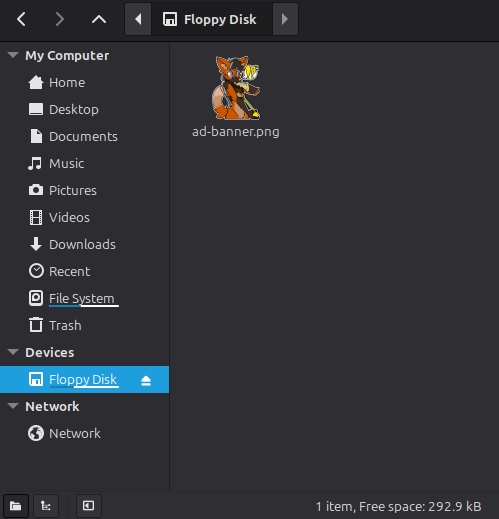
And of course we had to write a file to our new disk. Naturally, I went with some artwork of my fursona, but you could put anything you wanted on here (assuming it's smaller than 1.44MB).
Website coded by Delta Sierra, all content copyright Delta Sierra (unless otherwise noted). Hosting provided by Neocities.